
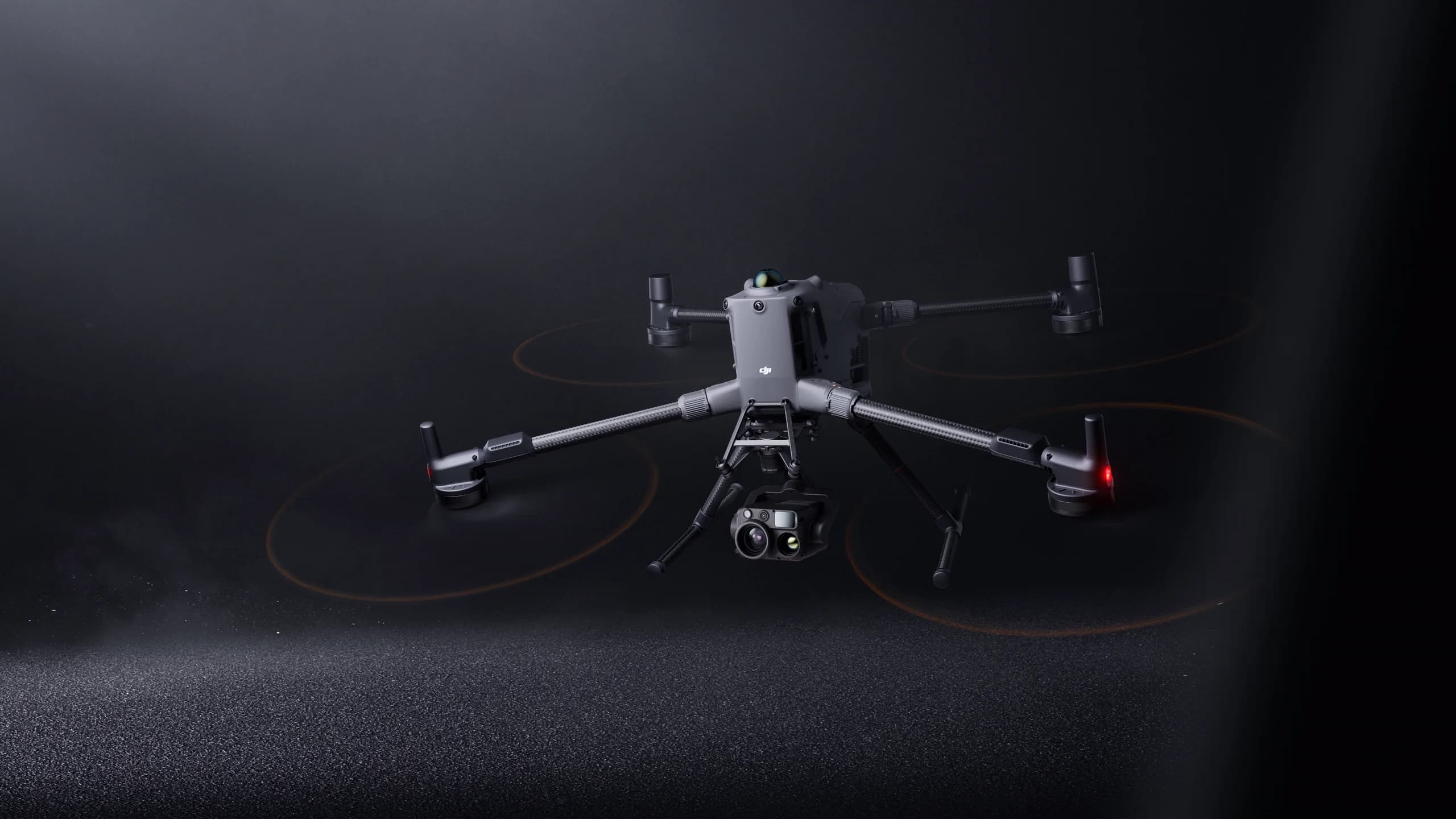
Good equipment choices start with the job, not the product page. Work out what you must deliver, then see which aircraft and payload fit.
This guide covers three questions: what is the mission, what output do you need, and which platform will your team operate?
Start with the mission
Write one sentence describing the job. For example: inspect rooftop equipment on a regular schedule, survey a construction site for progress records, or support a search team in low light.
Then note the conditions: site size, terrain, weather exposure and how many people will operate the aircraft.
- What will the aircraft be doing most often?
- Where will it fly, and how often?
- Who flies it, and what training do they have?
Define the output you need
The output decides the payload. A team producing maps needs different data from a team reviewing heat patterns or watching a live video feed.
Name the file or report your customer expects, such as a site map, an inspection photo set or a live view for a control room.
- Maps or survey data: ask about mapping-oriented cameras.
- Inspection images or thermal data: ask about the matching payload.
- Live viewing: ask about how video is shared with other people.

Check platform fit
Check that the aircraft, payload, accessories and software work together. Do not assume a combination is compatible because each item is listed in the store.
Ask MIRS to confirm the exact combination you plan to use. Compatibility should come from a confirmed offer, not from a guess.
- Does your team already use particular software?
- Will you add accessories later, and are they supported on this model?
- Do you need several aircraft with the same setup?
Compare, then ask
Shortlist two or three options and compare them side by side. Take the shortlist and your mission sentence into an enquiry.
Check local operating requirements before committing to a setup, and confirm that your team can operate it at the intended site.
Next step
Discuss your setup with MIRS.
Share your application, equipment, quantity and destination.

